
MyRogers redesign
Designing the future of MyRogers to be more scalable and personalized.
My Role
As the lead designer on this initiative, I was responsible for delivering the entire end-to-end experience for five million active Rogers users on MyRogers. Furthermore, I was responsible for ensuring vision alignment and seamless integration with existing products. I kept communication channels open with the cross-functional teams for transparency, as a result members were able to disclose information, ask questions and provide feedback. Moreover, I coached and mentored other designers on the project.
Problem Statement
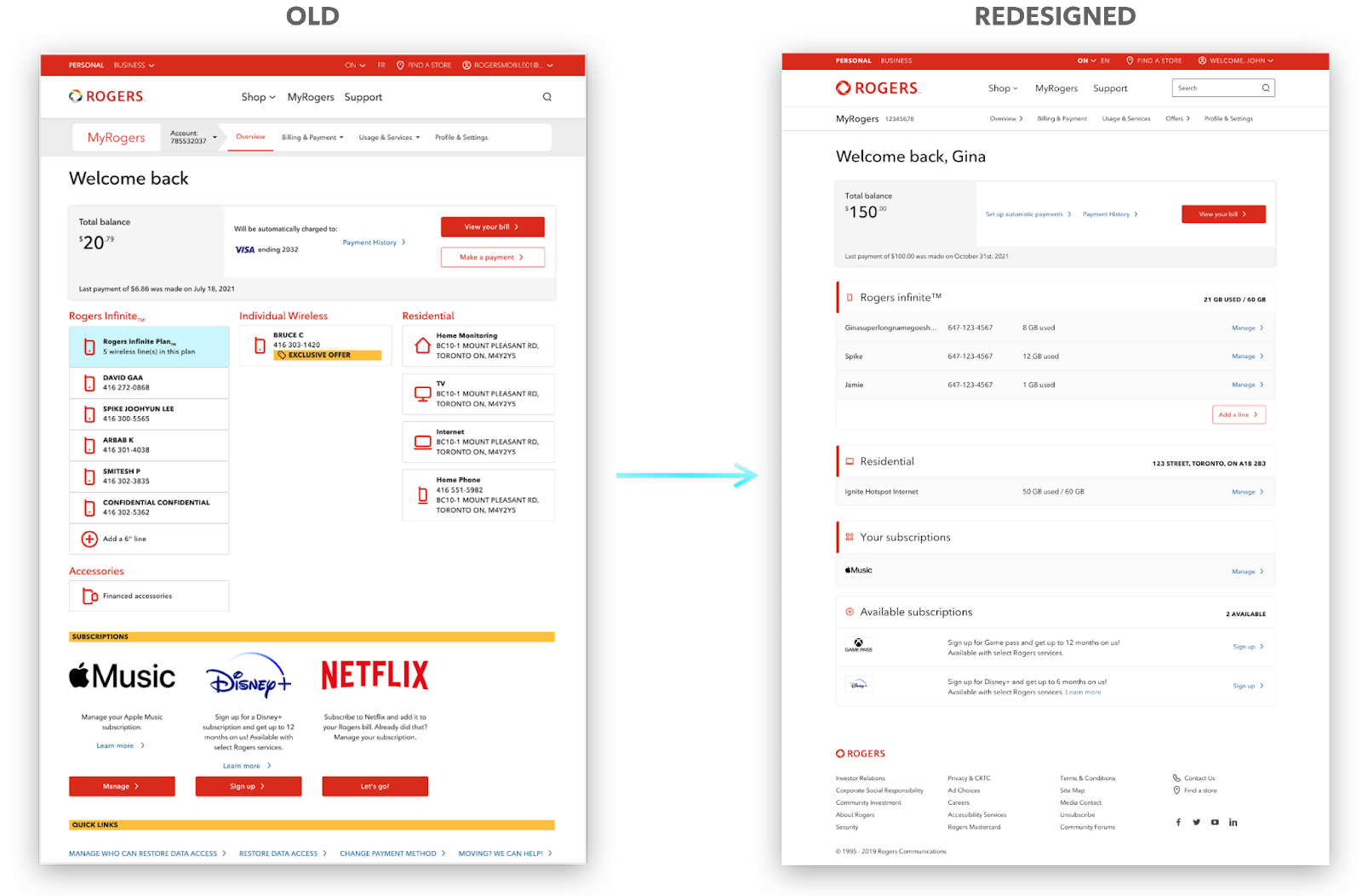
The previous design was created for legacy products that are now slowly phasing out. There are new products that are being introduced and the old design is not able to integrate these products easily which has led and will continue to lead to poor user experience.
The Product
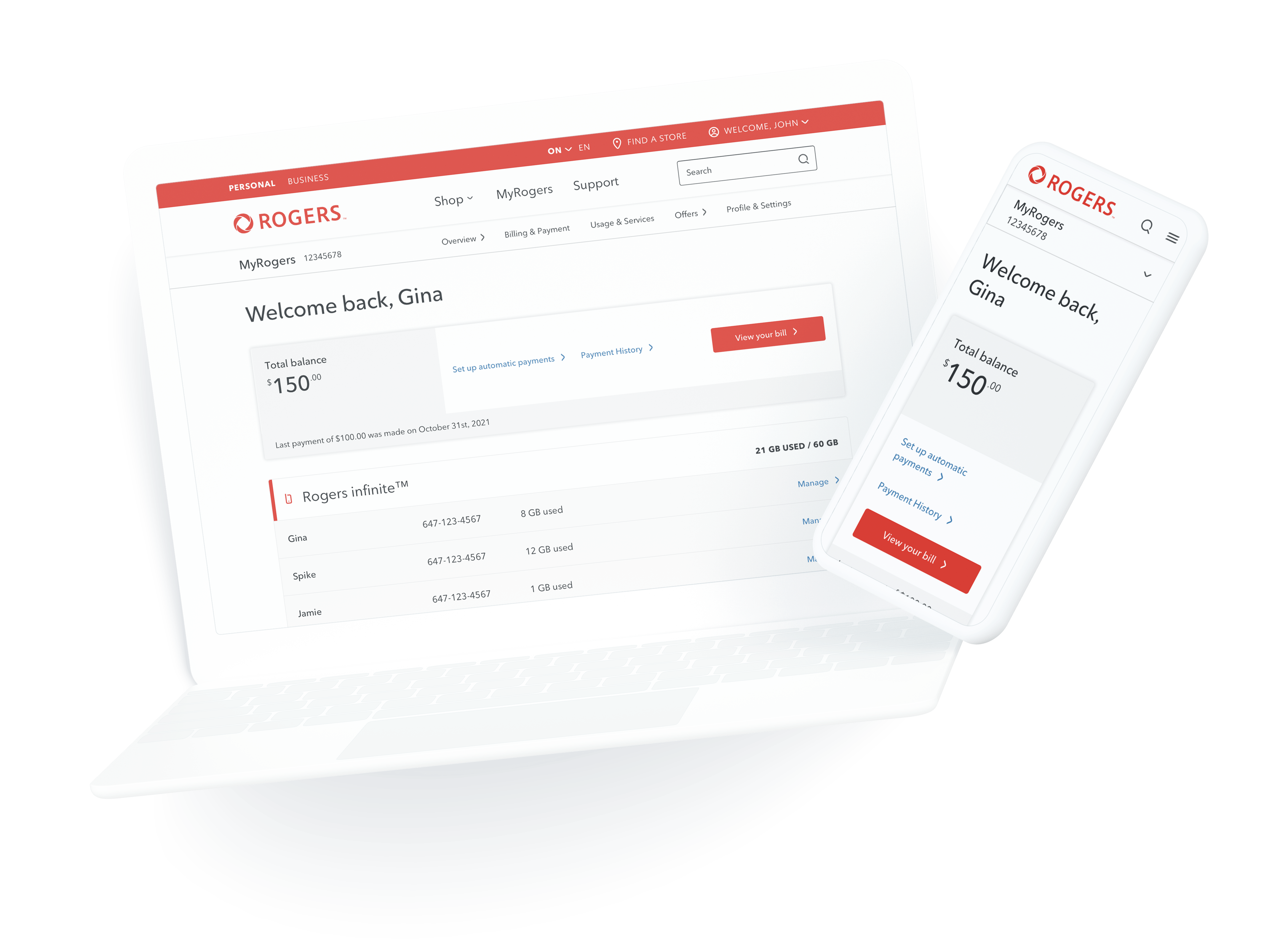
MyRogers is a portal for Rogers customers where they can view their accounts, services, pay bills, and modify/edit their information and services. There are two main entities; Account Overview and Service Dashboard.

Account Overview
It is a place where users can view a summary of all their services (ex. wireless plans, residential) and other account related information. It also allows customers to quickly take actions on important information, such as billings. Additionally, it allows Rogers to run target campaigns and relay important messages to its customers.
Service Dashboard
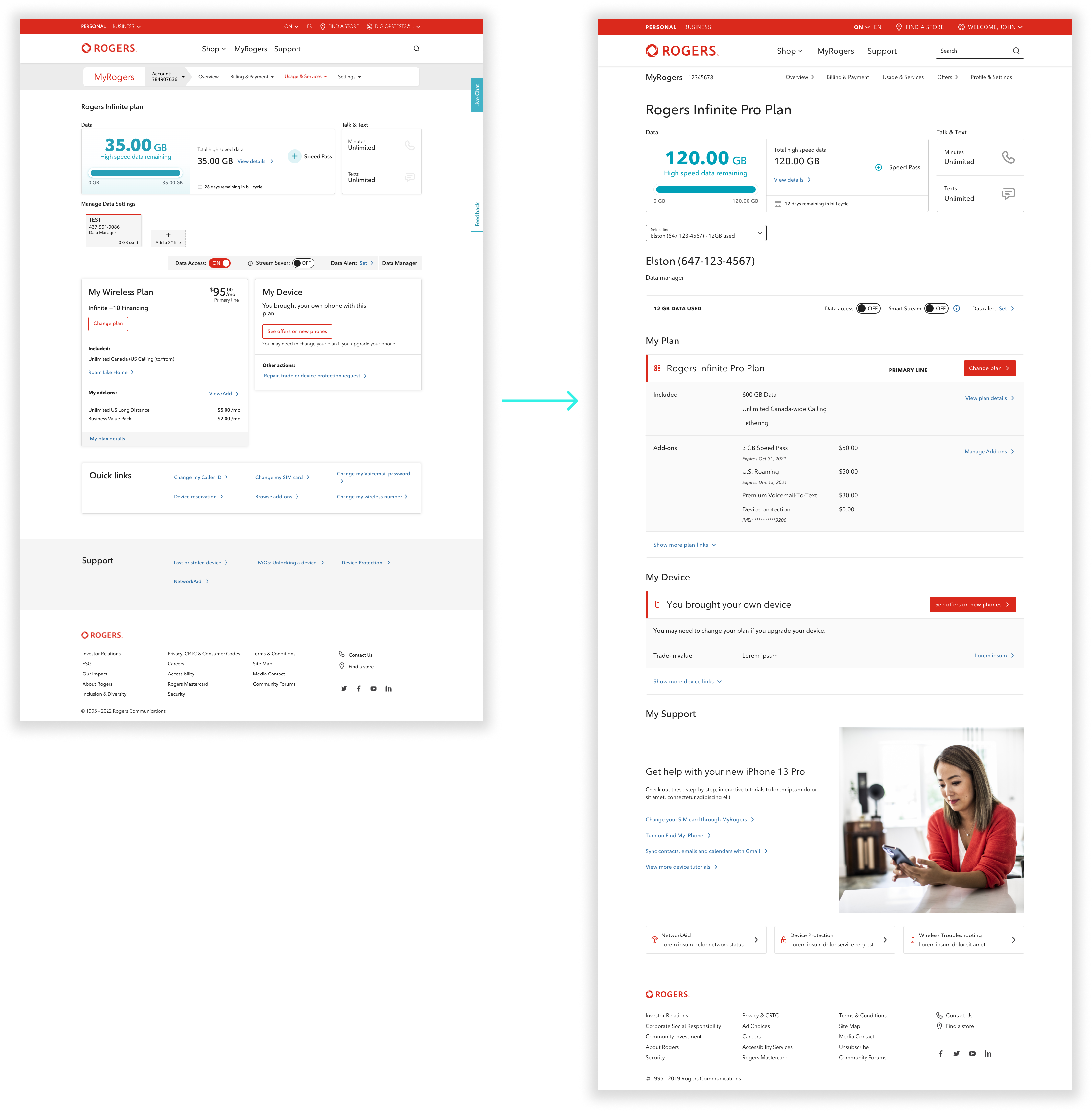
The Service Dashboard is a digital 1:1 representation of the product(s) customers are subscribed to. Its purpose is to allow customers to manage their plan’s features, understand what’s included in their plan and take relevant actions related to those journeys.
Opportunities
Affordance
Allow customers to easily find relevant information
Personalization
Tailor experience for customers regarding their products and services
Scalability
Easy integration of new products and services thus making it future-proof
Lower Cost
Improve customer retention and reduce calls to care by integration of tailored support experience
Structure Enhancement
Redesign the notifications and messaging system
Approach

Roadmap and Timeline
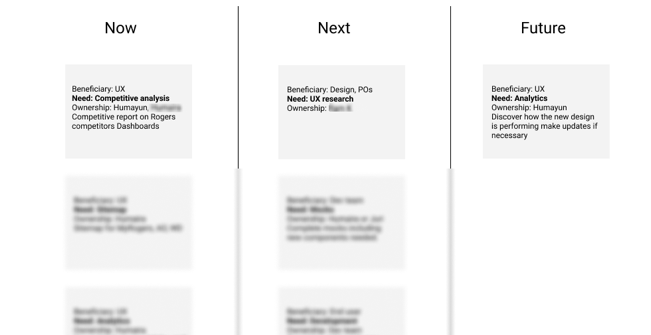
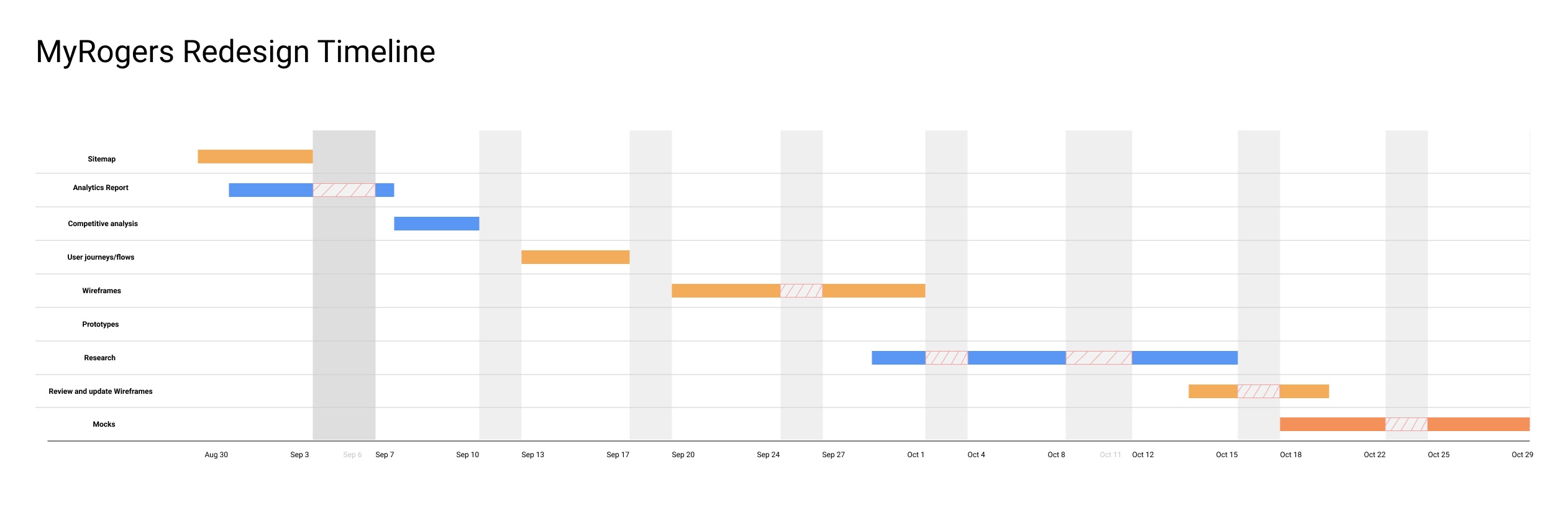
Roadmap was created to provide the team with a high-level view of the overall UX, as well as customer needs, business objectives, and features to achieve. Timeline was put together to provide a visual schedule of when the team can expect certain deliverables, this provided alignment between the teams and created synergy in cross-team deliverables.
Research Insights on Old Experience
Research helped shape the hierarchy and balanced the page based on what customers needed, while still keeping business strategies in mind. Apart from some of the findings below, there was an intensive amount of research done by the research team in partnership. Moreover, prototypes were created to help with the research initiative.
Some Insights:
- Check total balance owed and make a payment – Majority of the participants felt this to be the most important part of overview
- View Usage – Participants did not prioritize data as they used to when they had limited data; though the majority still wants to quickly view this information
- Summary of changes – Participants want to see changes upfront
- Personalization – Most participants do not want irrelevant content competing for their attention
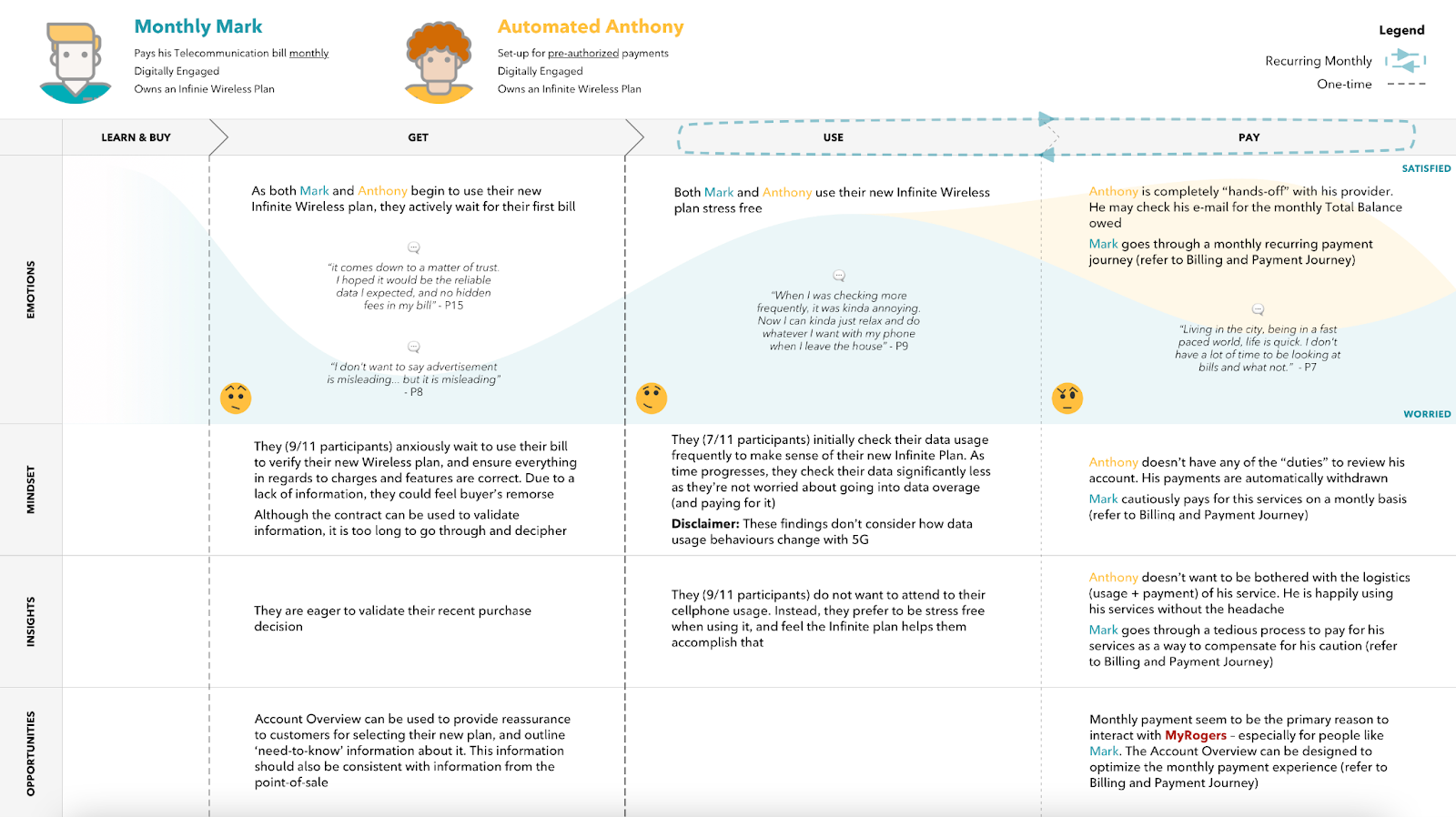

Early Discussions & Workshops
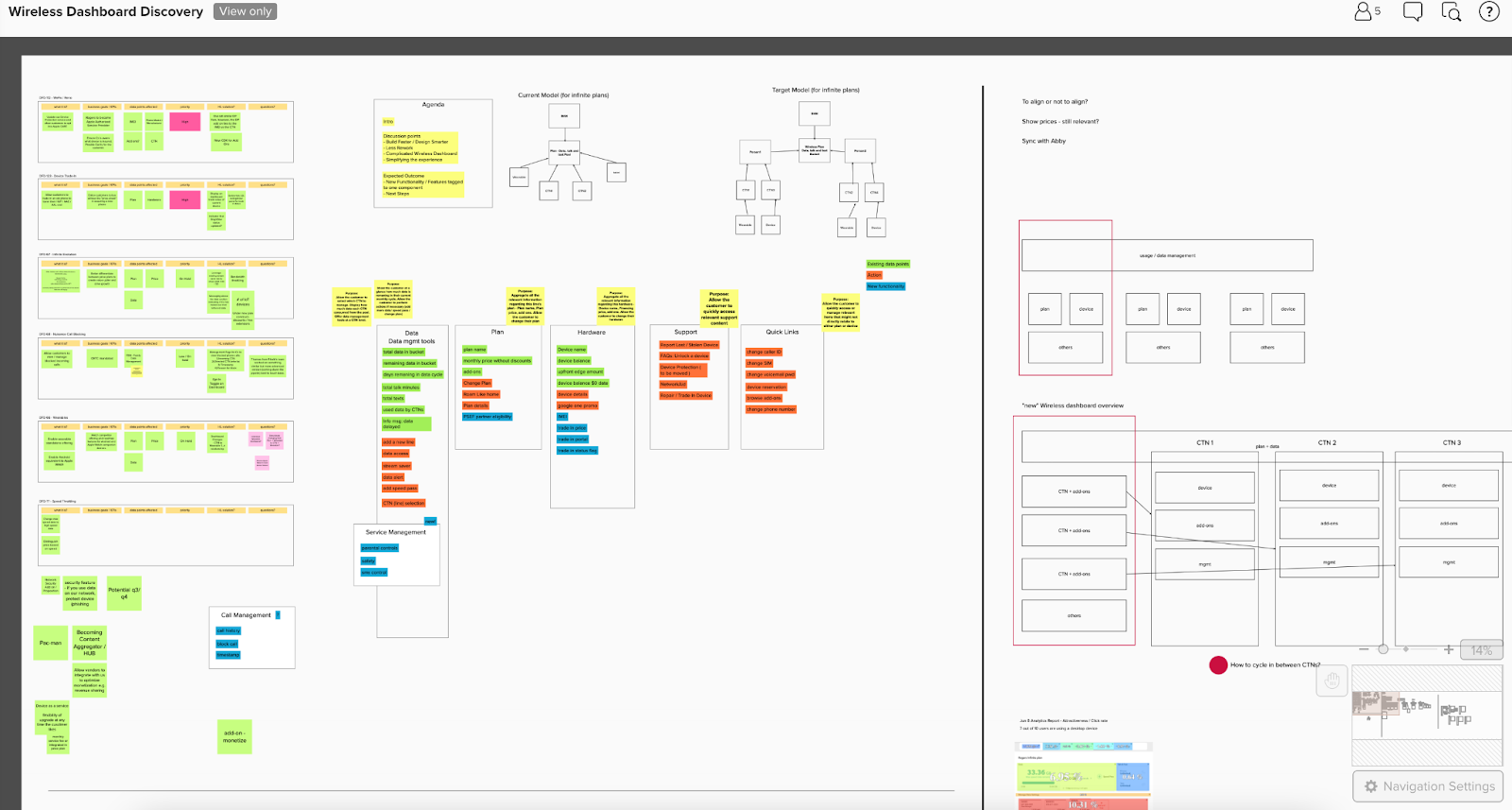
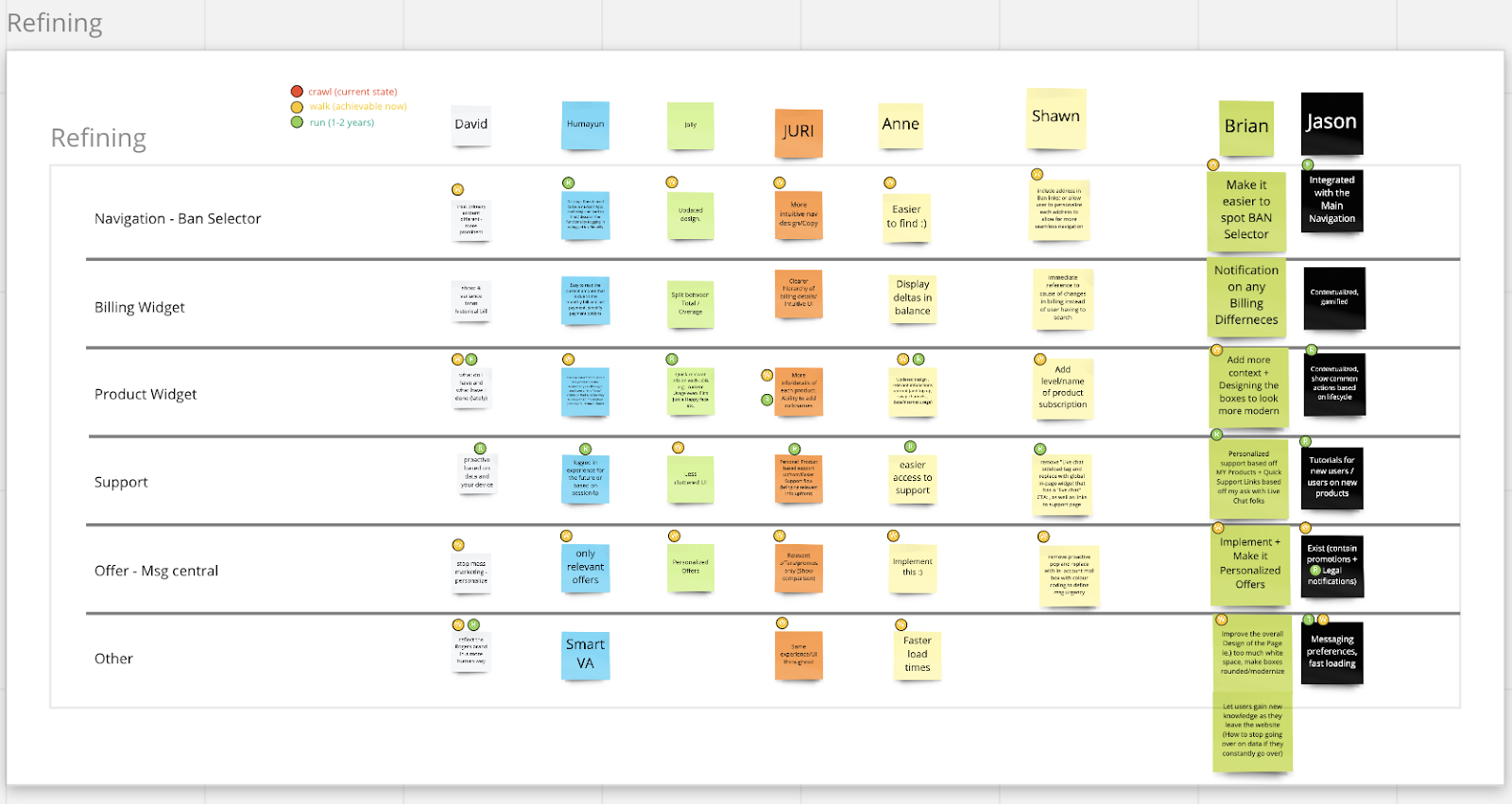
Worked closely with product owners and business to capture requirements of new products and to understand the extent of the scope along with the challenges it may bring.
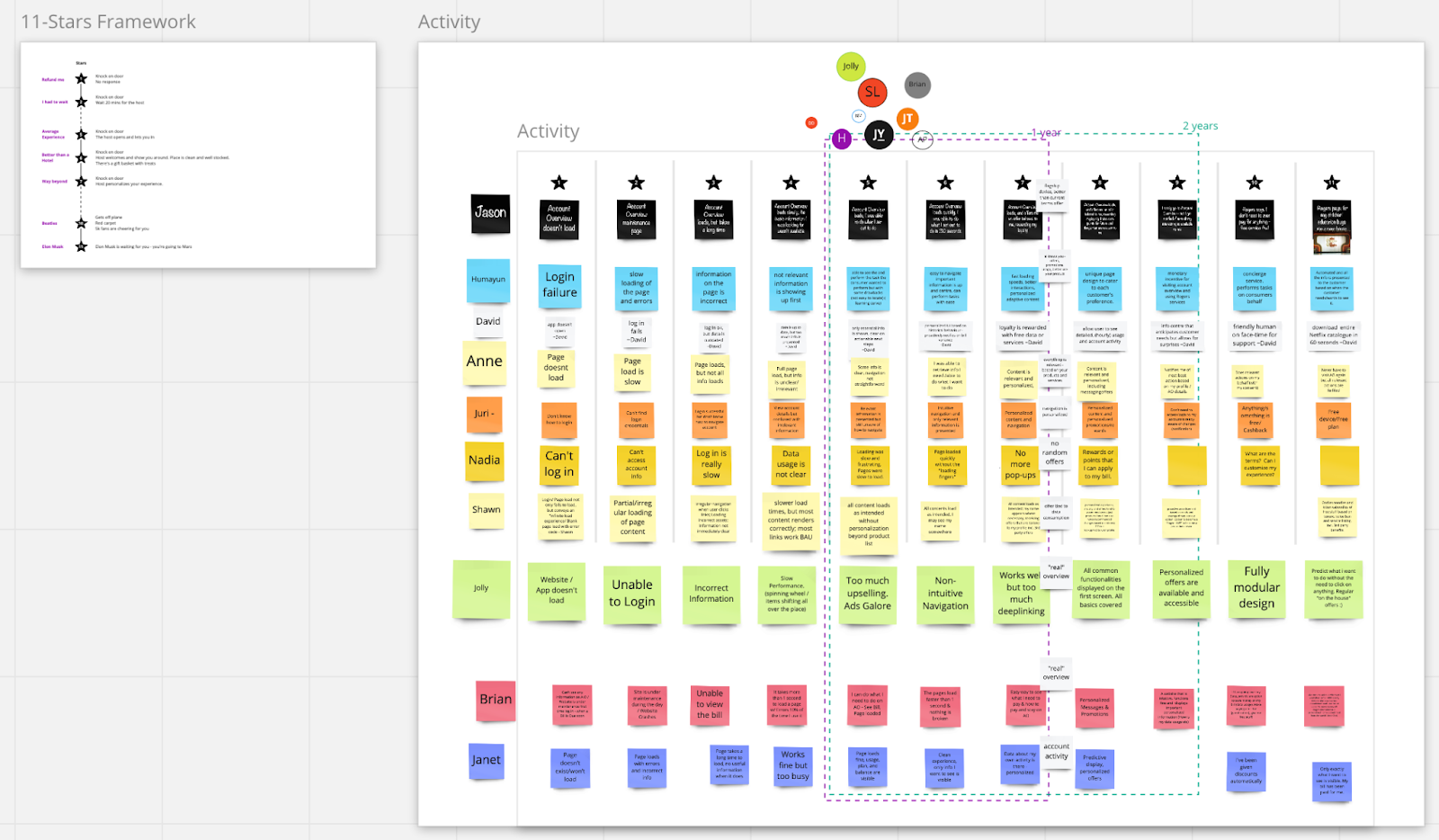
An example of this activity is the 11 star framework workshop where there was collaboration with the cross-functional teams to capture the intent and expectations from the redesign.
Competitive Analysis
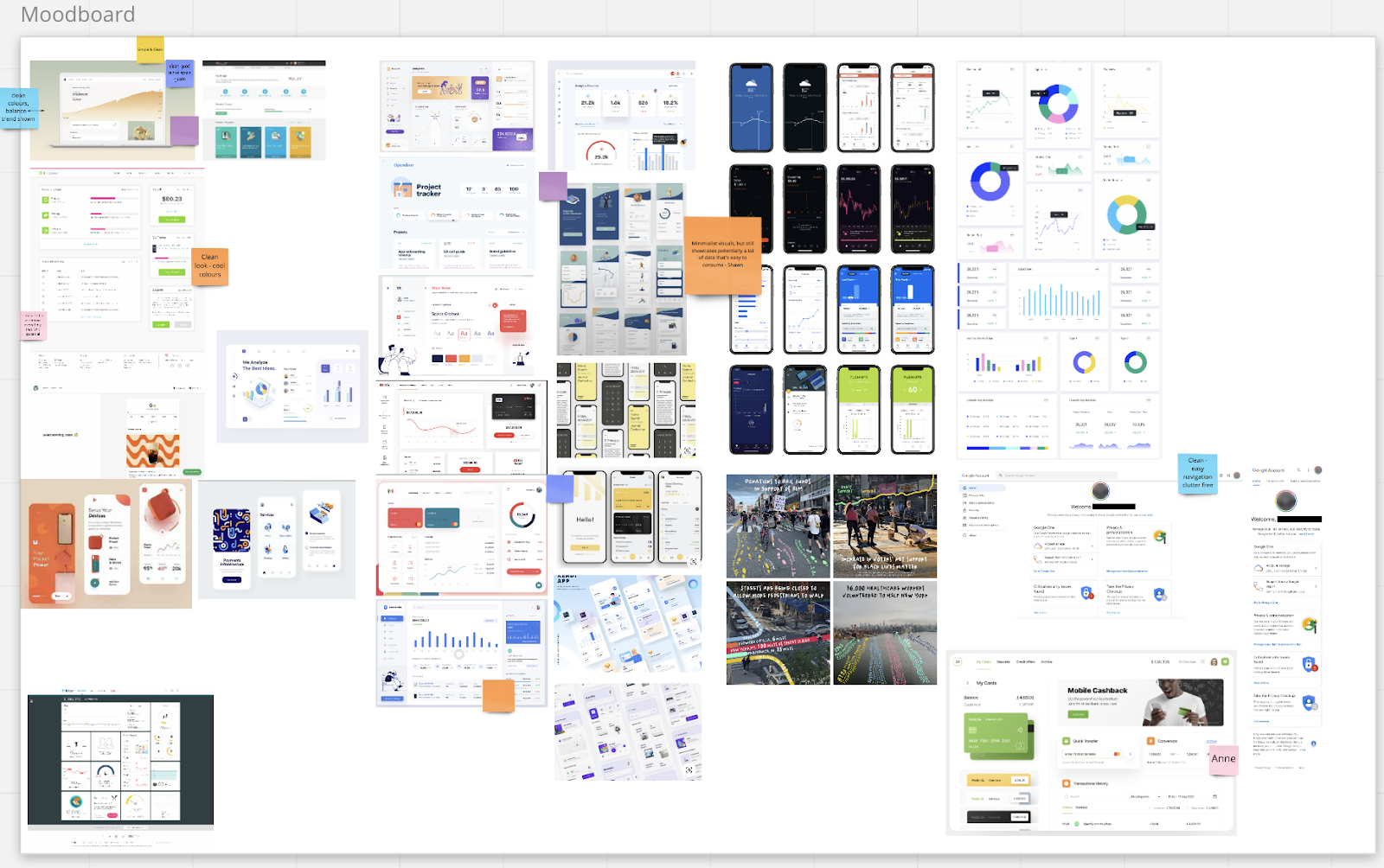
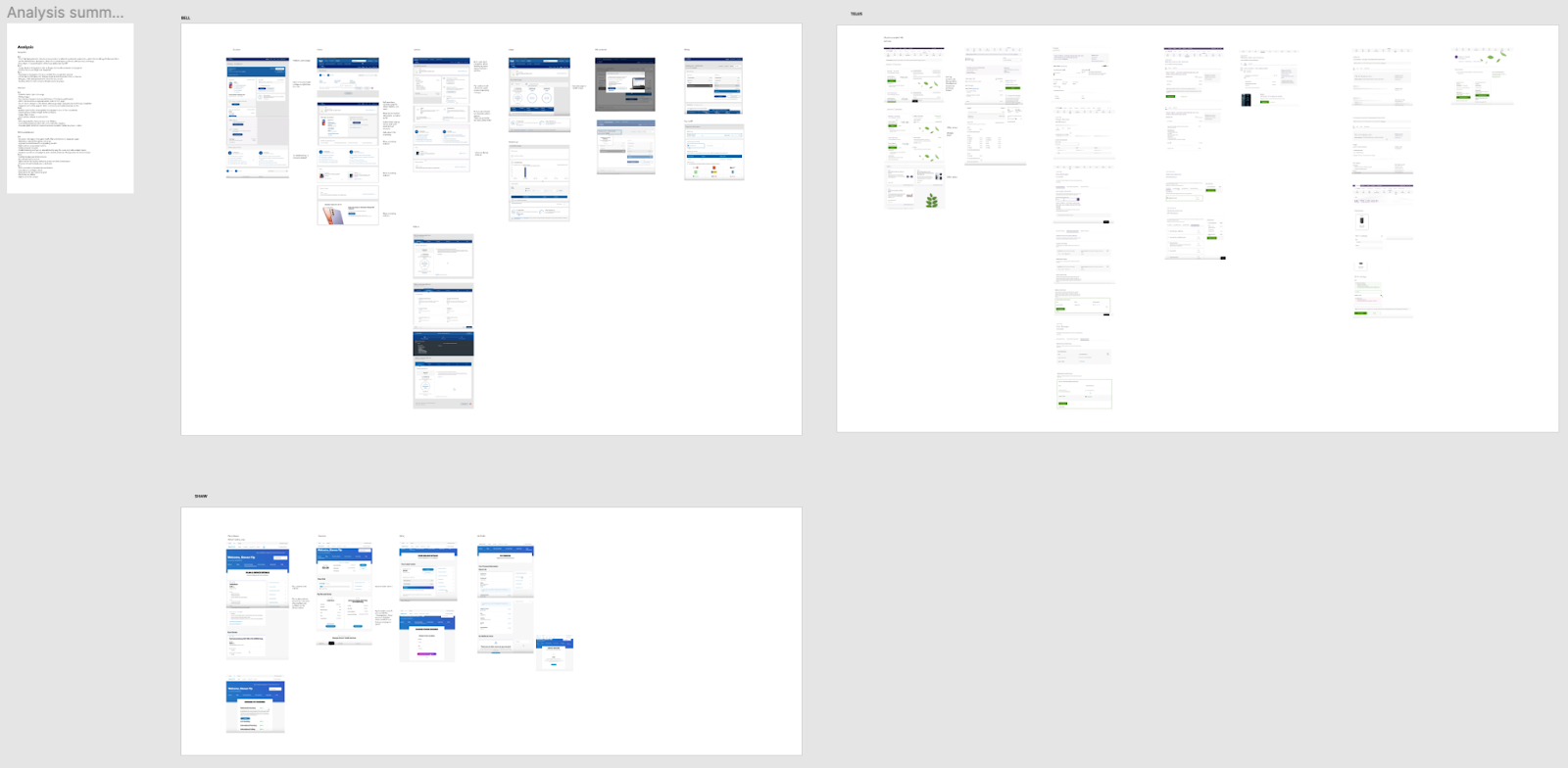
Competitive research was performed on telecom companies within the Canadian market. In summary, we looked at our competitors strengths and weaknesses on how they displayed customers’ products and services. In one example, we saw that one of the competitors did not have a true overview page, consequently, this hindered customers’ experience when navigating between services. In another example, we analyzed what competitors were doing for slow load times for certain services. I took the learnings and applied them by creating our version of the skeleton loader to help customers understand and not navigate away or reload. After reviewing and going through a thorough analysis, there were some discoveries in regards to overview and dashboard pages of our competitors. There were definitely learnings from how the information regarding the devices and plans were laid out.
Analytics
By using Adobe Analytics and Content Square I was able to gather crucial data that helped drive some of the design decisions and helped develop post redesign research strategy. Analytics helped find how the customer segmentation looked like which helped us focus more towards the 80% rather than designing for edge cases.
Findings highlights:
- 34% of Rogers customers own Wireless services; indicating that we need to keep wireless higher in the hierarchy of the page
- About 9% of the customers have multiple accounts, which meant we did not need another standalone page for accounts, only rather land them on primary accounts and provide an easy way to switch
- 80% of the customers have 2- 3 lines; design for 2-3 lines and allow for a way to show 3+ lines for the minority of customers
- Using heat mapping provided by Content Square I was able to confirm the KPIs, ex. billing being the essential part of user journeys on MyRogers. Furthermore, the heat map helped with creating a clear hierarchy and redesigning the components

Information Architecture
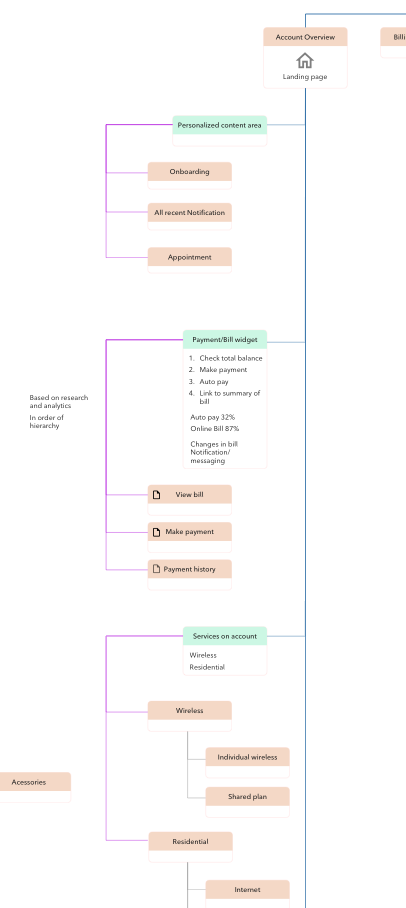
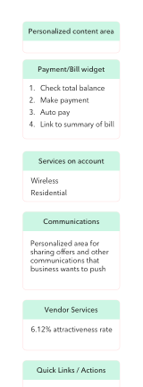
Based on the insights gained from the initial research, workshops, content audits, competitor analysis and analytics I designed a revised version of Account overview and Service Dashboard.


Wireframing
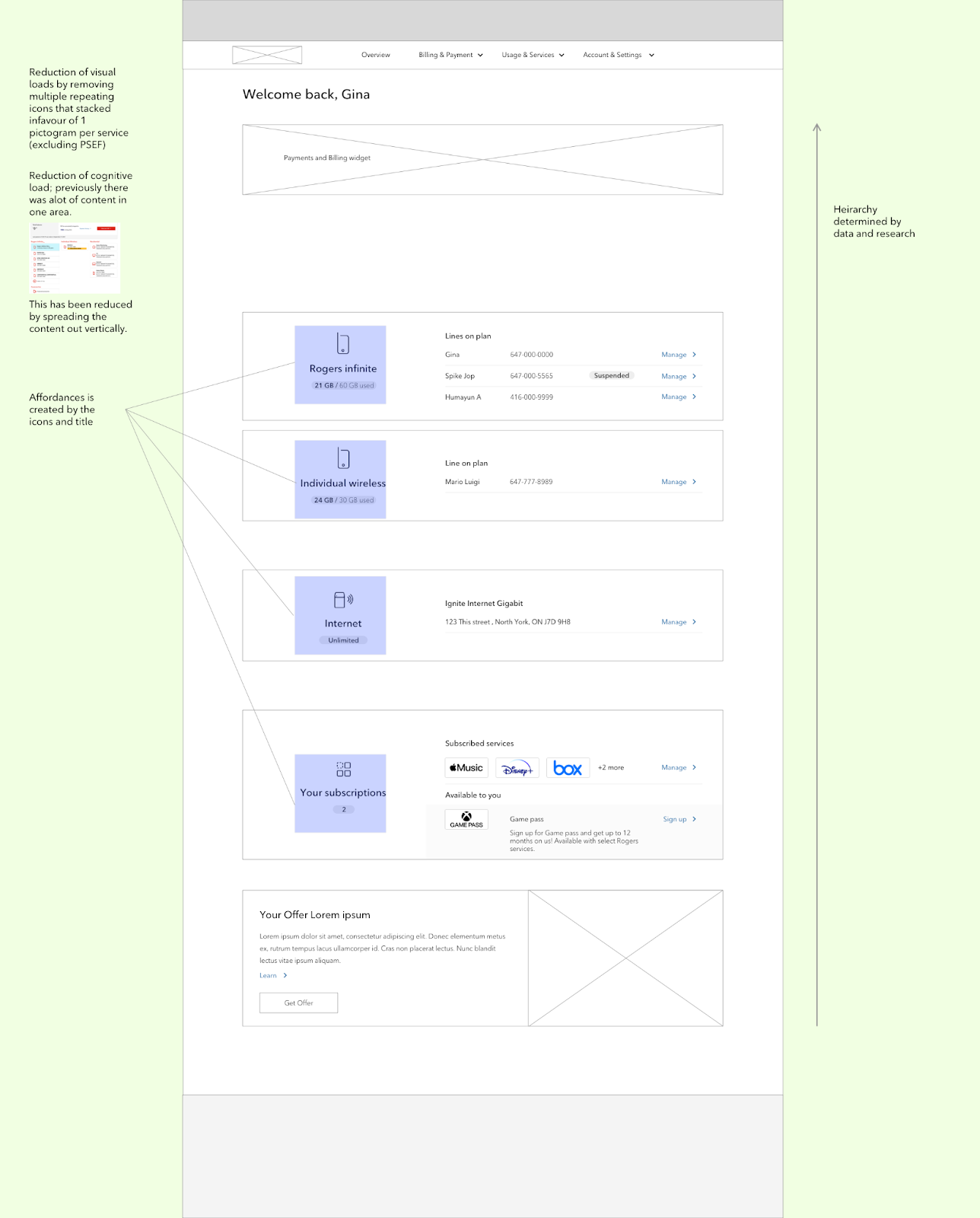
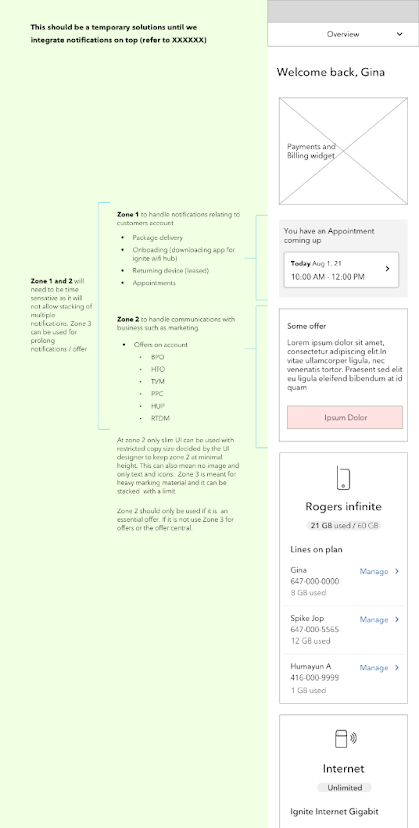
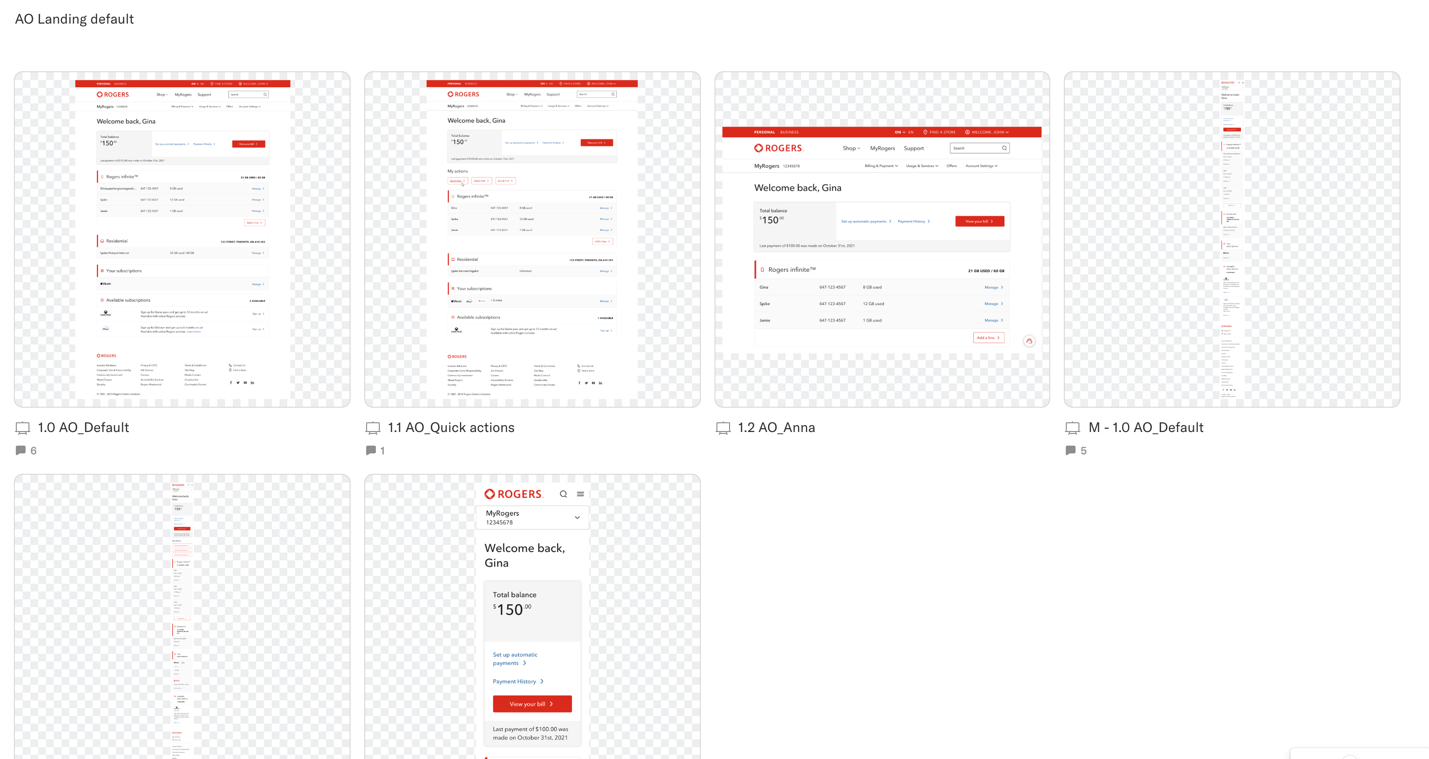
Wireframes were created after a thorough investigation into the old design, such as where UX lacks, what opportunities we have, and improving the overall structure based on user needs. There are always some shortcomings. In the case of MyRogers Dashboards we knew that there might be some technical limitations. I approached this by creating multiple versions to be released in an interactive manner. We would have an interim solution and a future implementation.
Redesign Usability Research
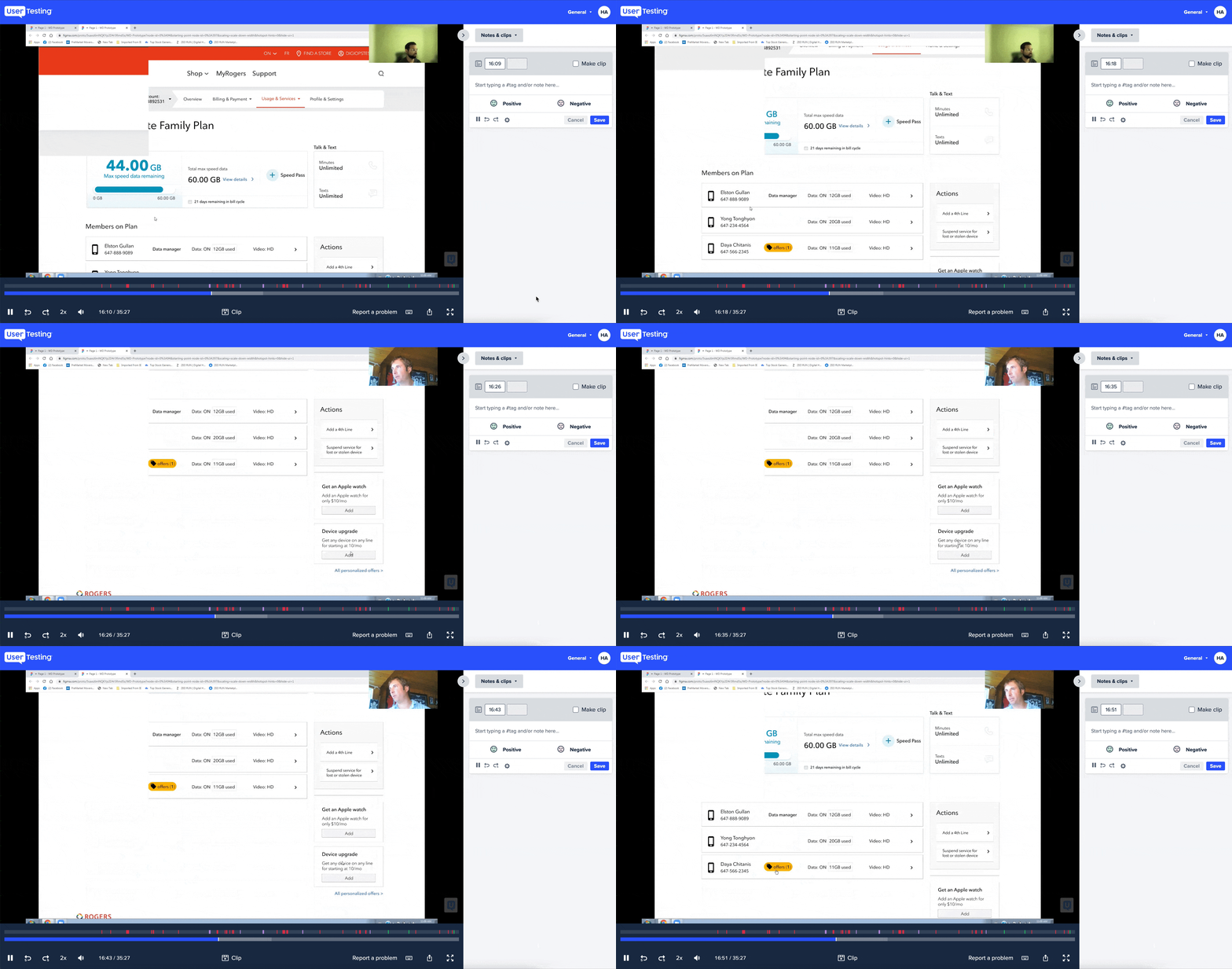
The research team ran a qualitative usability test using the prototypes I created in Figma and Axure, to get in depth insight into user behaviour and emotions. The research findings helped further improve the user experience.
Highlights
-
Overall feedback was positive, participants found it easy to complete their task
-
Participants were more likely to click on the sub-navigation menu to navigate between the lines, rather than relying on breadcrumbs or in-page drop down option to switch between lines on the service dashboard
Mocks
The team utilized existing components in the design system and created new ones for the specific needs for MyRogers. Each component went through a pitch process put in place by the design system team. This is a thorough review of the ask which includes multiple stakeholders from different expertise.
Overview Page
Wireless Dashboard
Next Steps
A strategy is being developed to validate the redesign after launch with research and analytics to further improve the experience.